In 2025, running a WordPress website without proper SEO optimization is like having a beautiful store in the middle of a desert—no one will find it. With Google constantly updating its algorithms and user expectations evolving, the right SEO plugins have become indispensable for website owners, bloggers, and digital marketers.
WordPress SEO plugins 2025 are designed to help you optimize your content, improve site performance, and drive targeted traffic effortlessly. In this article, we’ll explore the most powerful SEO plugins of 2025, their features, and how they can take your WordPress site to the next level.
Why SEO Plugins Are Crucial for WordPress in 2025
Search Engine Optimization remains the cornerstone of online visibility. While WordPress offers a robust framework, its default features are not enough for competitive SEO. Here’s why using SEO plugins in 2025 is non-negotiable:
- Automated SEO Suggestions: Modern plugins analyze your content and provide real-time optimization tips.
- Structured Data & Schema Integration: Helps search engines understand your site better and enhances SERP visibility.
- Site Performance Tracking: Many plugins include analytics dashboards to track SEO performance.
- Mobile Optimization Checks: Ensures your website remains responsive, fast, and mobile-friendly.
Top WordPress SEO Plugins 2025
Here’s a breakdown of the most popular and effective WordPress SEO plugins you should consider this year:
Plugin NameKey FeaturesPricingBest ForYoast SEOReadability analysis, XML sitemaps, keyword optimization, internal linking suggestionsFree & Premium ($99/year)Beginners & ExpertsRank MathAI-powered suggestions, 404 monitoring, rich snippet support, automated SEO tasksFree & Pro ($59/year)Bloggers & AgenciesAll in One SEO (AIOSEO)On-page optimization, schema markup, local SEO, SEO audit checklistFree & Pro ($49.50/year)Local businesses & e-commerceSEOPressGoogle Analytics integration, XML sitemaps, redirects manager, WooCommerce SEOFree & Pro ($49/year)E-commerce & ProfessionalsThe SEO FrameworkLightweight, AI-generated meta descriptions, focus keyword analysisFree & Paid ExtensionsDevelopers & Minimalists
Key Features to Look for in WordPress SEO Plugins 2025
Choosing the right plugin is critical. Here are the must-have features in 2025:
- Keyword Optimization Tools Plugins should help you research, track, and optimize keywords for better rankings.
- AI-Powered Content Suggestions Modern SEO plugins use AI to suggest meta tags, headings, and internal links.
- Performance Monitoring Speed and usability are now ranking factors. A plugin that monitors page speed and Core Web Vitals is essential.
- Schema Markup Integration Structured data improves SERP visibility through rich snippets like FAQs, reviews, and ratings.
- Mobile SEO Optimization Ensure your site is fully responsive and loads quickly on mobile devices.
- Analytics & Reporting Integrated reports save time and help you understand traffic trends and optimization opportunities.
How to Use WordPress SEO Plugins Effectively in 2025
Installing a plugin is just the first step. Here’s a strategic approach to maximize its impact:
1. Install and Configure Properly
- Use plugin wizards for setup.
- Link your Google Search Console and Analytics.
2. Conduct a Site Audit
- Identify broken links, missing meta descriptions, and slow pages.
- Use the audit features of Rank Math or AIOSEO for actionable insights.
3. Optimize Each Post
- Focus keyword placement in headings, meta description, and content.
- Add internal and external links.
4. Leverage Schema & Rich Snippets
- Implement FAQ, product, and review schemas to improve CTR.
- Test structured data using Google’s Rich Results Test.
5. Monitor & Update Regularly
- SEO is not a one-time task.
- Regularly update plugins, track keyword performance, and refresh content.
Comparison of Free vs Paid WordPress SEO Plugins
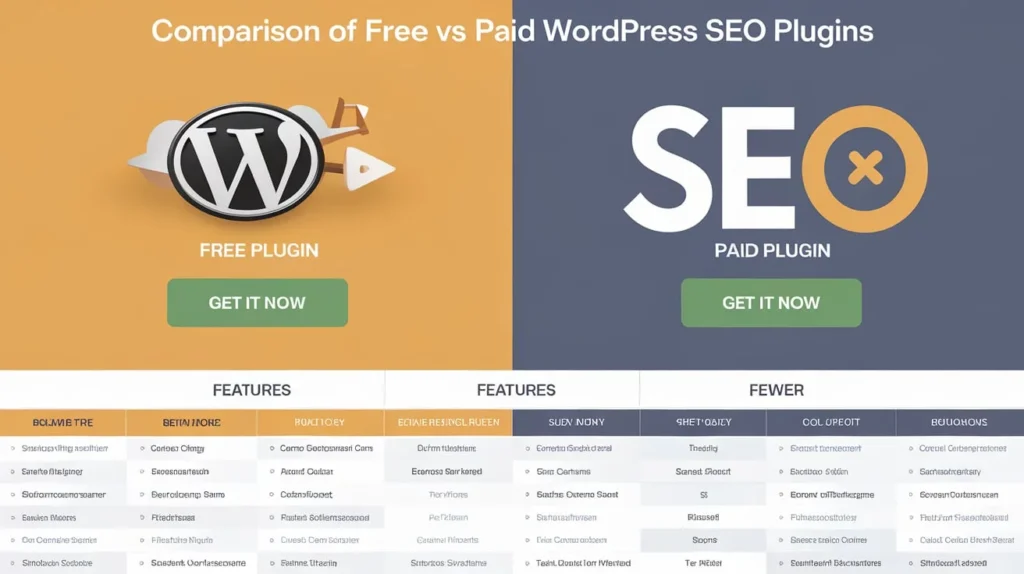
FeatureFree PluginsPaid PluginsKeyword optimizationBasicAdvanced AI suggestionsSchema integrationLimitedFull support for multiple schemasSupport & UpdatesCommunity forumsPriority support, frequent updatesAnalytics & ReportingBasicDetailed, customizable reportsAdvanced AutomationRareYes, includes automated SEO tasks
Benefits of Using SEO Plugins for WordPress Sites
- Improved Search Engine Rankings – Helps target the right keywords efficiently.
- Better User Experience – Optimized speed and readability enhance engagement.
- Higher Conversion Rates – SEO plugins provide insights to improve content that converts.
- Time-Saving Automation – Automates meta tags, redirects, and sitemaps.
- Actionable Insights – Analytics dashboards help you make data-driven decisions.
Best Practices for 2025 SEO with WordPress Plugins
- Focus on User Intent: Content should answer real questions users have.
- Update Regularly: SEO plugins evolve; keep them updated to leverage new features.
- Avoid Overstuffing Keywords: Natural integration is key.
- Optimize Media: Use plugins for image SEO and lazy loading.
- Secure Your Site: Security and SEO go hand in hand.
Internal Linking Tips for SEO Optimization
Effective internal linking increases page authority and improves crawlability. Here’s how plugins help:
- Automatic Linking Suggestions: Yoast SEO and Rank Math recommend links while writing.
- Anchor Text Analysis: Ensures diversity and relevancy.
- Broken Link Detection: Alerts you to remove or update broken links.
Case Studies SEO Plugins That Delivered Results in 2025
- Blogging Site: Using Rank Math, a travel blog increased organic traffic by 120% in 6 months by optimizing keywords and schema.
- E-commerce Store: With SEOPress, a WooCommerce store improved product page rankings, boosting sales by 35%.
- Corporate Website: All in One SEO helped a corporate site reduce page errors and enhance mobile speed, improving their SERP presence.
FAQs
Q1: Which WordPress SEO plugin is best for beginners in 2025? A1: Yoast SEO is beginner-friendly with guided optimization suggestions and an intuitive interface.
Q2: Are free SEO plugins sufficient for small blogs? A2: Yes, free plugins like SEOPress or The SEO Framework provide robust features for small websites.
Q3: Can SEO plugins improve website speed? A3: Indirectly, yes. Plugins can optimize images, lazy load media, and reduce broken links, all contributing to faster load times.
Q4: How often should I update SEO plugins? A4: Always update when new versions are released to ensure compatibility, security, and access to new features.
Q5: Do SEO plugins guarantee top Google rankings? A5: No plugin guarantees top rankings, but they provide tools to optimize content, structure, and performance, improving your chances significantly.
Conclusion
In 2025, WordPress SEO plugins are more than just optional tools—they’re essential for achieving visibility, engagement, and conversions. From beginners to advanced users, plugins like Yoast SEO, Rank Math, and SEOPress offer the features necessary to optimize content, monitor performance, and stay ahead in search engine rankings. By selecting the right plugin, leveraging automation, and following SEO best practices, you can ensure your WordPress site thrives in the competitive online landscape. Take action today, implement these plugins wisely, and watch your traffic, engagement, and conversions grow exponentially.